
Comparison Chart
| Feature | Windmill | Selenium | Watir |
| IE/Safari/Firefox/Chrome Support | Yes | Yes | Differing libraries |
| Test Recorder | Yes, on all platforms | Firefox Plugin only | Yes |
| Cross Domain | Yes | Firefox and IE only in trusted mode. | Yes |
| SSL | Yes | Yes | Yes |
| Supported Languages | Python, JavaScript, Ruby | Many | Ruby |
| Integrated Debugging Tools | Firebug and Firebug Lite, Inspector | None | None |
| Proxy Manipulation | Yes, could be better | No | N/A, Watir doesn’t use a proxy |

Integrated Development Environment
Full Featured Recorder: One click and the IDE writes your test for you
DOM Explorer: Explore the DOM, aids in test editing and debugging
Assertion Explorer: Quickly generate action validating the state of your application
Test Saving and Playback
Real Time Performance and Output Information
Firebug Lite integration for debugging in all supported browsers
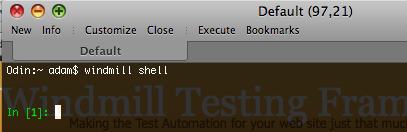
Interactive Python Server
Convenience functionality for launching browsers
PDB debugging support
Test loading and running
DOM query functionality
Reporting helpers